Why Photos Get Corrupted and How to Avoid It?

In this article
Digital photographs are more than just captured moments – they are memories, records of life, art and even evidence. Ever wondered what if your photos get damaged all of a sudden? One common issue that you may encounter is photo corruption, which can be frustrating, especially if it holds valuable memories. If you ever find any photo corrupted, it’s important to understand the adequate reason for such corruption.
In this guide, we’ll explore different reasons why photos get corrupted and how to avoid them. You can also check a quick and effective photo repair method that can help you fix corrupt photos in just a few clicks. Let’s get started!
What Does Photo Corruption Mean?
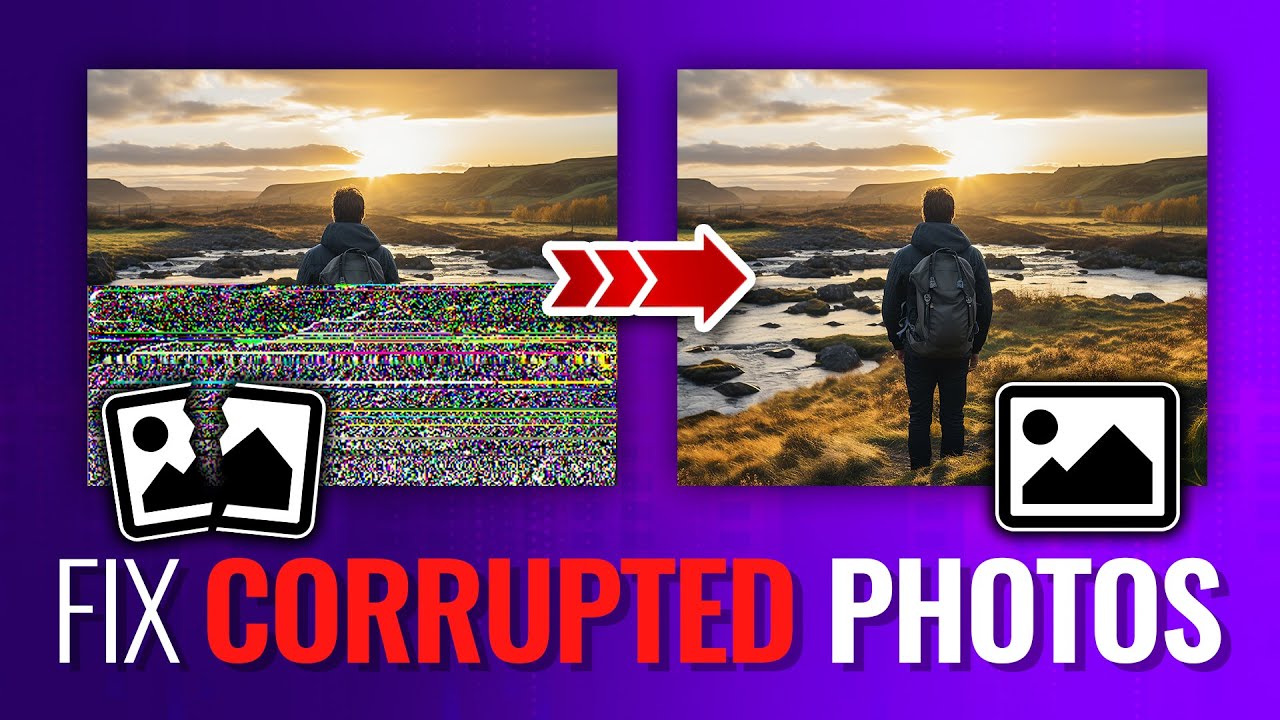
Photo corruption is an instance when your digital photographs become unreadable, distorted, or partially lost. If you try opening a corrupt photo on your device, you’ll get error messages such as:
- The file won’t open.
- The image is partially visible with missing sections.
- Strange colours or artefacts appear in the photo.
- The software reports the file as “unsupported” or “invalid.”
Corruption doesn’t always make your entire file unreadable; some of its parts are lost, which can be recovered using specialised tools.
Common Reasons for Photo Corruption
Photo corruption can occur due to multiple reasons, ranging from hardware failures to software mishandling. Identifying the exact cause helps you determine an adequate repair workaround. Some common reasons why your photos get corrupted include:
Sudden Power Failure or Improper System Shutdown
One of the main reasons why your photos or other files get corrupted is an abrupt shutdown of your device. If your computer shuts down unexpectedly while the image is being saved, copied, or edited, the file structure may be left incomplete.
Instances like computer shutting down when the photos are being transferred from a camera, laptop battery draining in the middle of the editing process, etc., leave partially saved or ultimately unreadable photos, resulting in corruption issues.
Improper File Transfer
Transferring photos between devices may seem simple and direct, but interruptions during transfer may lead to corruption. Even a brief interruption can corrupt the file header, making the photo unreadable. Common scenarios that lead to improper transfer of your files include:
- Disconnecting a USB drive while files are still transferring.
- Network interruptions during cloud uploads or downloads.
- Copying files from a camera’s SD card while it is being written.
Storage Device Failure
Continuous usage of storage media such as hard drives, SSDs, memory cards, or USB drives for a long time can damage them. Various reasons why your storage media fails are:
- Bad sectors: Some physical components of these storage devices become unreadable over time.
- Wear and Tear: Flash memory has a limited number of write cycles, and repeated use can eventually lead to failure.
- Mechanical Failures: Traditional hard drives have moving parts that can break, causing file corruption.
Virus or Malware Infection
Malicious programs like viruses or malware can infect your device and corrupt/damage its stored content, including your photos. Some types of malware are designed to encrypt or modify files, making them inaccessible. Others can corrupt files unintentionally as part of their disruptive behaviour.
Software Glitches
Sometimes, it’s not the photo itself that’s corrupted—your photo viewer app may malfunction, making it appear as if the image is damaged. Such issues generally happen due to:
- Bugs in photo editing software.
- Unexpected shutdowns while saving images.
- File format conversion errors (e.g., from RAW to JPEG).
Even a minor software error can corrupt images or make them inaccessible.
Removing Storage Devices Abruptly
Pulling the memory card, SD card, or USB drive without properly ejecting it can interrupt the ongoing read-write process. For example, removing the SD card while your camera is still writing images or ejecting it without using the “Safely Remove Hardware” option can corrupt not just a single image – sometimes it damages the entire card or photo folder.
Signs That Your Photos Are Corrupted
When your photo gets corrupted due to any of the aforementioned reasons, you may encounter the following symptoms:
- Photos fail to load completely, showing only partial or incomplete visuals.
- Parts of the photo look blurred, distorted, or visually broken unexpectedly.
- You may get error messages while opening the damaged photo file.
- File size becomes unexpectedly small or large compared to normal photos.
- Thumbnail preview fails to appear, showing a blank or broken icon.
If you spot any of the above symptoms, it’s important to take immediate action to avoid further damage.
How to Avoid Photo Corruption? – Quick Preventive Tips
Having a corrupt photo is really frustrating, especially if it stores something precious. However, you can avoid or reduce the chances of it happening in the feature by following the below best practices:
Use Branded Storage Devices
Always invest in high-quality memory cards, SSDs, USB drives, and external hard drives. High-quality storage ensures faster processing, reliable performance, and lower chances of corruption.
Avoid Removing the SD Card When in Use
Always use the “Safely Remove” option on your computer before ejecting external devices. This ensures no read/write process is active.
Create Regular Backups
Having multiple backups of your files ensures easy recovery in corruption or data loss. You can create backups using Google Photos, OneDrive, iCloud, or external hard drives.
Keep Your Camera and Device Charged
As photo corruption can happen due to sudden system or camera shutdown, avoid such issues by keeping them charged. A sudden shutdown during image capture can corrupt the photo instantly.
Protect Against Virus Attacks
Prevent your devices from malicious programs like viruses or malware using reliable antivirus software. Scan storage media regularly to prevent malware-related corruption.
Additional Tip: How to Repair Corrupted Photos?
Instances may happen when your photo gets corrupted or becomes inaccessible even after taking the aforementioned precautions. In such a case, photo repair using Stellar Repair for photo can help fix corrupt, damaged, or inaccessible photos. This all-in-one photo repair software allows you to repair photos corrupted due to sudden system shutdowns, faulty memory cards, interrupted file transfers, malware infections, or other reasons.
You can use the tools to repair photos of several file formats, such as JPEG, JPG, TIFF, and various RAW image formats. The software works best with any storage device, including memory cards, USB drives, external hard disks, or camera storage. It also allows you to preview repaired photos before saving them on your device:
Conclusion
Sudden corruption of your important photos can be distressful, but the good news is that you can avoid such issues from your end. You can avoid mistakes like improper handling, sudden shutdowns, faulty memory cards, or interrupted transfers to prevent your photos from being corrupted. And even if corruption occurs, you can rely on professional tools to fix unreadable images. Remember, prevention is always better than cure, so it’s important to follow preventive measures before you find yourself facing such problems.
Related: How to Use an AI Image Generator? Six Best Ways to Use It