How a Motion Sensor Security System Works?

In this article
Motion sensing is quickly progressing; from AI-based edge detection to hybrid sensors to mesh-based tomographic systems, the number of false alarms is decreasing, and the area that can be covered is growing. When security upgrades are in order, it’s a good time to familiarize yourself with the options and trade-offs. This article describes how the Motion Sensor Security System Works and ways to get your system ready for the future.
What is a motion sensor?
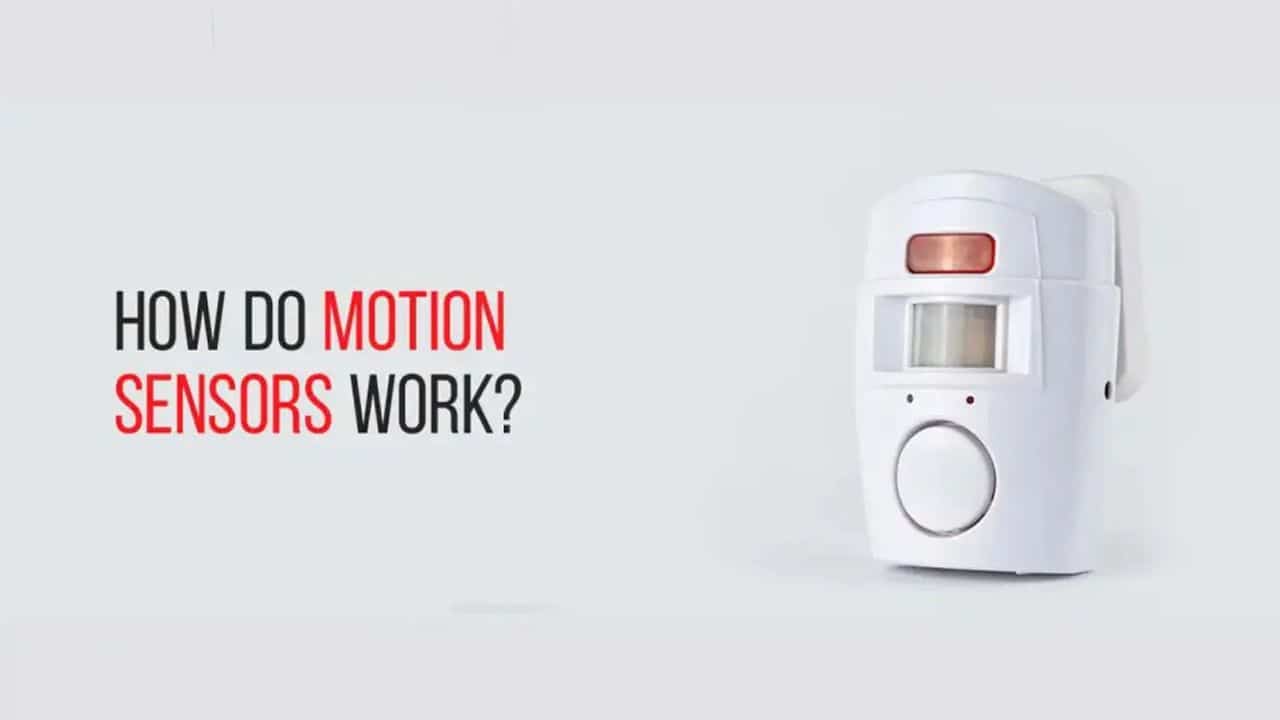
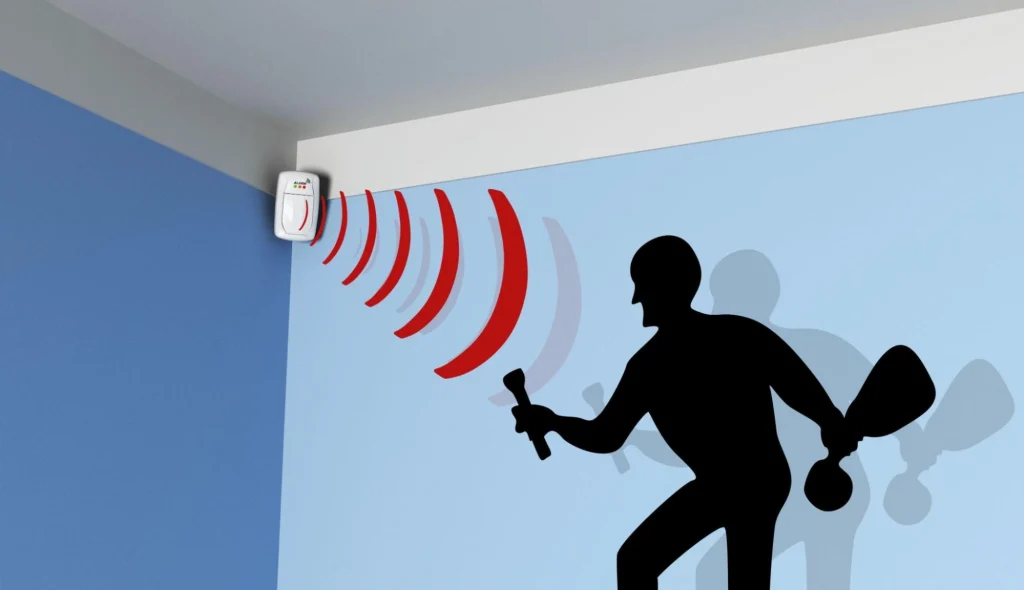
A motion sensor is a device that senses a physical movement in a specific area and sends this data to a control unit or activates an alarm, camera recording, or lights. Motion sensors are not the same as presence detectors (which are used for energy-saving lighting) and are designed to be more sensitive to motion by humans or large animals, not subtle changes in their surroundings.
Pros
- Proactive Deterrence
- Automation and Convenience
- Real-Time Alerts
- Energy Savings
- Budget-Friendly
Cons
- False Alarms
- Blind Spots & Line-of-Sight
- Temperature Sensitivity
- Privacy Concerns
Types of Motion Sensor Security Systems
These are some of the types of motion sensor security systems.
1. Passive infrared
Passive infrared sensors detect variations in the infrared radiation emitted by warm bodies such as people. They employ pyroelectric components and a Fresnel lens to divide the different areas into zones. When a heat source passes from one zone to another, a signal is produced. PIRs are low-power, inexpensive, and effective when not obstructed by objects or glass, but will need line-of-sight and cannot work in high ambient temperatures or in cold conditions through glass. People use them extensively in homes and offices for intruder detection.
Best For
- Have a battery-powered wireless system
- Gives affordable indoor perimeter and room coverage
2. Microwave
Active microwave sensors will emit microwave pulses and measure reflections to detect motion by the Doppler shift. They can travel longer distances, penetrate non-metallic obstacles, and provide wider or non-line-of-sight coverage where needed. However, they will use more power and are prone to false alarms caused by nearby electronic or metal objects, so careful tuning and placement are important.
Best For
- It is good for large open areas or irregular spaces
- Useful for integrations where long detection reach outweighs
3. Ultrasonic
The ultrasonic sensors are able to send out waves of high-frequency sound and receive the sound waves that return to them as they move. They do well in tight spaces; however, air drafts, HVAC systems, or fans can give false readings. Their sensitivity requires you to use them in a controlled indoor environment or with other sensors to reduce nuisance alarms.
Best For
- Gives glass break detection
- Works well in poor lighting environments
4. Tomographic
Tomographic systems generate a network of radio connections between the positions of several nodes that surround an area and track variations in the radio signal patterns when a person enters or moves through the area. They are able to see motion even through walls and around obstacles. These systems are more expensive and complicated, and work when regular line-of-sight sensors don’t.
Best For
- Give large commercial facilities
- Works well in challenging environments
5. Dual-technology
A dual-technology sensor is a type of sensor that consists of two primary types of sensors, usually PIR and microwave. This combination minimizes erroneous positive results without compromising sensitivity in various situations. Dual-tech units are more expensive and require calibration, but deliver a balanced performance, particularly in a single-mode false triggering environment such as sunlight, pets, or moving foliage.
Best For
- Ideal for a room with HVAC systems
- Good for high security areas
6. Area Reflective Sensors
Area reflective sensors send out a beam (usually infrared or ultrasonic) onto a reflector; when the motion disrupts the reflected beam, motion is detected. They can be used to monitor a driveway, doorway, or corridor without anyone knowing, and are very useful. They need to have a clear alignment, and obstructions and dirt on optical paths can affect the accuracy of these sensors, but they are easy to install at specific points of entry.
Best For
- Monitors precise perimeters or specific high-value items
- Good for commercial entryways
7. Video and Image-Based Sensors
Video-based sensors are equipped with computer vision and camera analytics that can detect movement, identify objects, and distinguish humans from animals or vehicles. They can offer pictorial evidence and snapshots of events, which in turn decreases false alarms and enhances response. The performance will vary based on light, camera placement, and algorithm quality; on-device analytics maintain privacy, and cloud-based analytics provide advanced analytics at a subscription fee.
Best For
- Useful for retail stores and business entrances
- Good for front doors and porches
8. Infrared Break Beam Sensors
IR break beam sensors are typically made up of a transmitter and receiver positioned across an entry path, and the sensors will activate when the beam is broken. They’re easy to use, fast, and perfect for regulating certain points, such as doors, stairs, or windows. They must be precisely aligned and are vulnerable to small objects and misalignment, but are effective if precise trip detection is required.
Best For
- Great for driveaway alerts
- Compatible with doorways and entryways
Quick Table
The table will show you the pros and cons of the types of motion sensors.
| Type of Sensor | Pros | Cons |
|---|---|---|
| Passive Infrared | Low power | Requires line-of-sight |
| Microwave | Long range | Higher power use |
| Ultrasonic | Sensitive to small movements | Prone to false triggers from drafts |
| Tomographic | Covers around obstacles and through walls | Complex setup and maintenance |
| Dual-Technology | Balanced sensitivity across conditions | More expensive |
| Area Reflective | Precise trip detection | Requires precise alignment |
| Video/Image-Based | Configurable detection zones | Performance varies with light and placement |
| Infrared Break Beam Sensors | Simple and reliable when aligned | Can be triggered by small objects or pests |
How to Install a Motion Sensor Security System?
These are the steps that will help you install a motion sensor security system.
- Choose the best location according to height, aim for corners, and more.
- Sync and test before mounting.
- Physically install the sensor.

How to Choose the Best Motion Sensor Security System?
While choosing the best motion sensor security system, keep the following points in mind.
- Choose a sensor according to the indoor or outdoor conditions, wherever you want it to be installed.
- Select the sensors according to the coverage and range of your room.
- Check the integration to ensure compatibility with your alarm panel, smart home ecosystem, or monitoring service.
- Make sure that it has dual-tech sensors or adjustable sensitivity to reduce nuisance alerts.
- The sensor has wired or wireless flexibility; choose according to your preference.
- Check the additional features like built-in tamper detection, temperature compensation, wireless encryption, and battery life indicators.
Future Trends: Final Thoughts
Motion sensor security systems are an essential component of home and business security. Knowing about different sensor technologies can help you in determining which sensor device to use in your system. Correct installation, integration with camera systems and control panels, and careful setup minimize nuisance alarms and enhance effectiveness.
Related: How to Fix Most Common Android Auto Issues
Frequently Asked Questions
Which type of motion sensor is best for home security?
Dual-technology and PIR sensors are the most popular choices for reliable home security.
Can motion sensors detect movement through walls?
Tomographic sensors can detect movement through walls, while most other sensor types cannot.
How can I reduce false alarms from motion sensors?
Install sensors correctly, adjust sensitivity, and choose dual-technology or AI-powered sensors for better accuracy.