

Video conferencing software allows you to have real-time communication between two or more participants, regardless of your location. This allows you to share your screen and have a face-to-face interaction through online mode. Some of the common features include chat, virtual backgrounds, and more. Some of the popular platforms include Google Meet, Zoom, Skype, etc.
Are you getting more excited to know more about video conferencing? Read the blog to know some more interesting details, and get recommendations for some lesser-known and free conference apps that make your work as well as life easier.
Types of Video Conferences
Some of the types of video conferencing are:
1. Point-to-Point Video Conferencing
This is the type of video conferencing that allows you to have direct one-to-one communication, like in job interviews.
2. Multiple Point Conferencing
Allows to have a group discussion through any preferred platform, like business meetings.
3. Desktop Video Conferencing
This is a software-based conferencing, eg, many courses are available through online platforms like Zoom.
4. Room-Based Video Conferencing
Dedicated conference rooms with cameras, screens, and MCUs for high-quality group sessions in offices.
5. Web Conferencing
This is a browser-based web conferencing that allows you to share your screen or use tools like a whiteboard during the meetings.
6. Mobile Video Conference
This is the most comfortable way it can be used to communicate with your clients or family members, through a mobile device.
7. Integrated Video Conferencing
Centralised hardware/ software in venues for 4K video, encryption, and large-scale enterprise use.
Different Uses of Video Conferencing
It has many uses that will help you in different sectors.
- Remote Work: It allows you to have a business video conference sitting at any place.
- Client Consultation: Helps you to pitch proposals through video conferencing, which also saves your time.
- Virtual Training Sessions: Training can be conducted via video conferencing, as it also allows for sharing the screen to understand the session deeply.
- Webinar Hosting: Marketers broadcast events to thousands using webinar hosting tools for lead generation and Q&A sessions.
- Medical Appointments: This has been done since the time of COVID, allowing you to consult and receive prescriptions from your doctors through video calls.
- Online Education: Teachers host classes with multi-device support, quizzes, and live captions for interactive learning.
Video Conferencing Software Key Features
- High audio and video quality
- Screen sharing
- Chat options and reactions
- Allows for recording
- Virtual background option
- AI assistant
- End-to-end encryption
- Polls and Quiz
- File sharing
Pros and Cons of Video Conferencing
| Pros | Cons |
| Saves your time and cost by allowing you to work remotely. | Risk of having network issues and glitches. |
| Enhanced and faster decision-making. | Reduces face-to-face personal interaction. |
| Allow to share screen and utilise different useful tools. | Sometimes security and privacy risk. |
| Enables your business to have global collaborations as well. | Some of the users find many difficulties while using the software. |
| Scalable for both large as well as small businesses. | You can only have limited engagement. |
8 Best Software for Video Conferencing
These are the top 8 conferencing software with their pros and cons listed with them. You can choose according to your requirements from the following:
1. Zoom
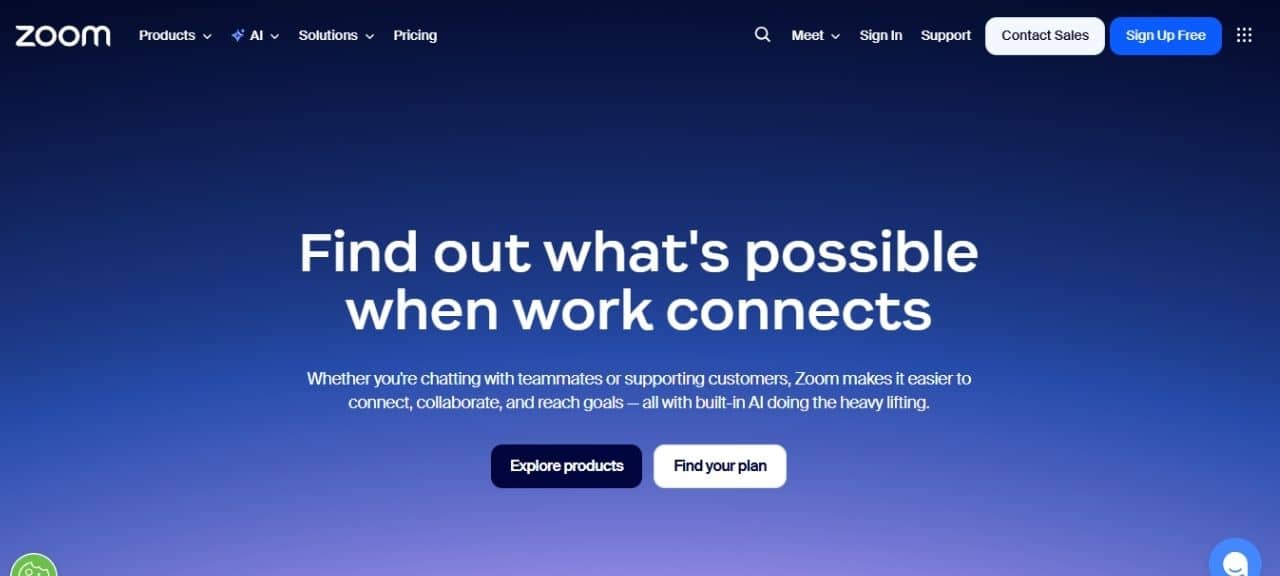
Zoom is the most versatile business video conferencing platform because it supports HD video, breakout rooms, and webinars with up to 1,000 attendees. It has a friendly interface and multi-device compatibility, which makes it suitable for any team, regardless of size, that requires reliable working collaboration.
Pros
- Screen-sharing tools are very useful.
- Scalable free-tier with robust paid upgrades.
Cons
- A free meeting can be done, but only for 40 minutes.
- Might have some security concerns.
2. Google Meet
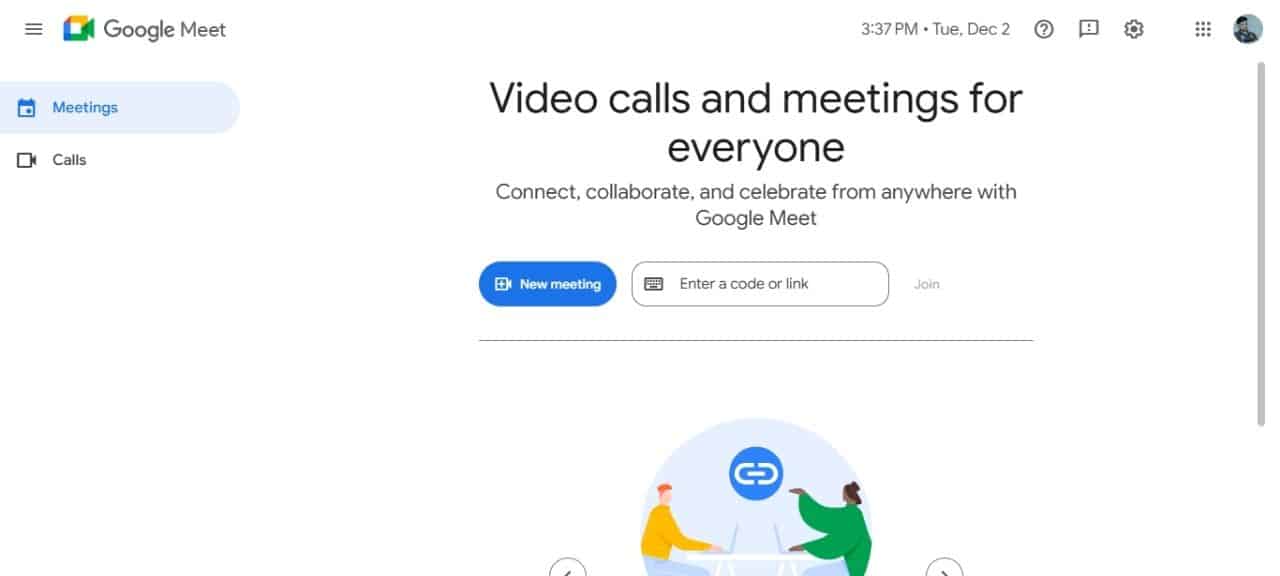
The users can have a browser-based conferencing with live captions, real-time translation, and multi-device support. It is one of the best software programs for global collaboration.
Pros
- Allows you to have instant access.
- It has excellent noise cancellation.
Cons
- Limited free version.
- Allows only limited customisation services for free users.
3. Microsoft Teams
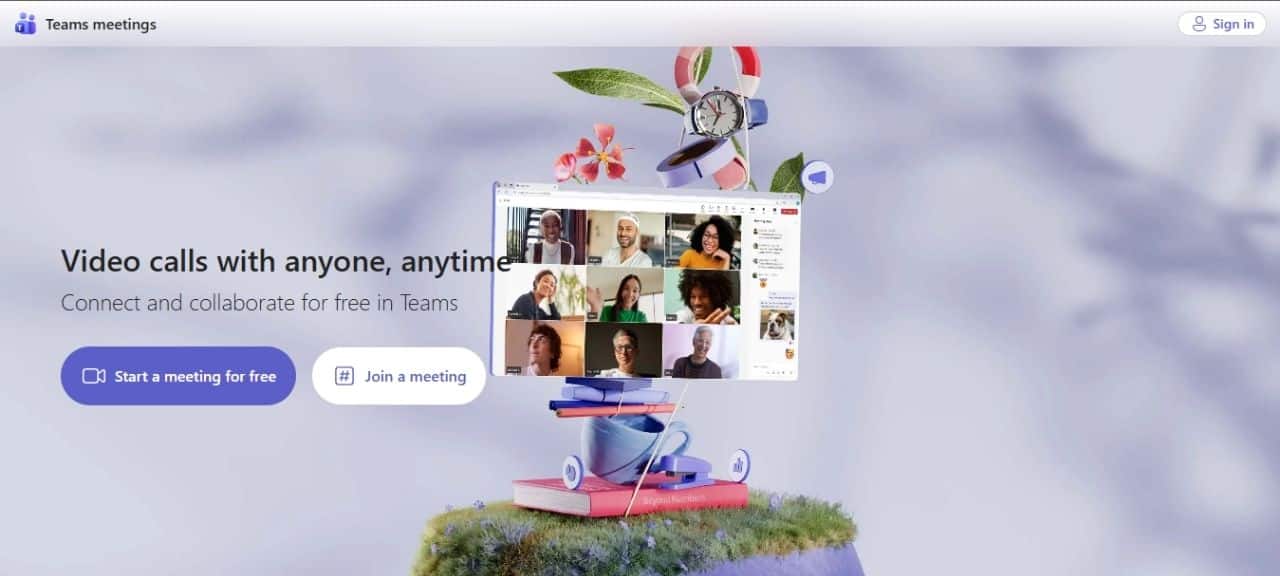
Microsoft Teams is strong with enterprise video conferencing, and it can be used seamlessly with Office 365 in terms of chat, files, and AI-driven recaps. Fits well in huge organisations that require video sessions to be encrypted end-to-end and administrative privileges to be controlled.
Pros
- Close integration of productivity suites.
- Business-strong compliance characteristics.
Cons
- Takes a longer learning curve for non-Microsoft users.
- Battery centres on low-end products.
4. Cisco Webex
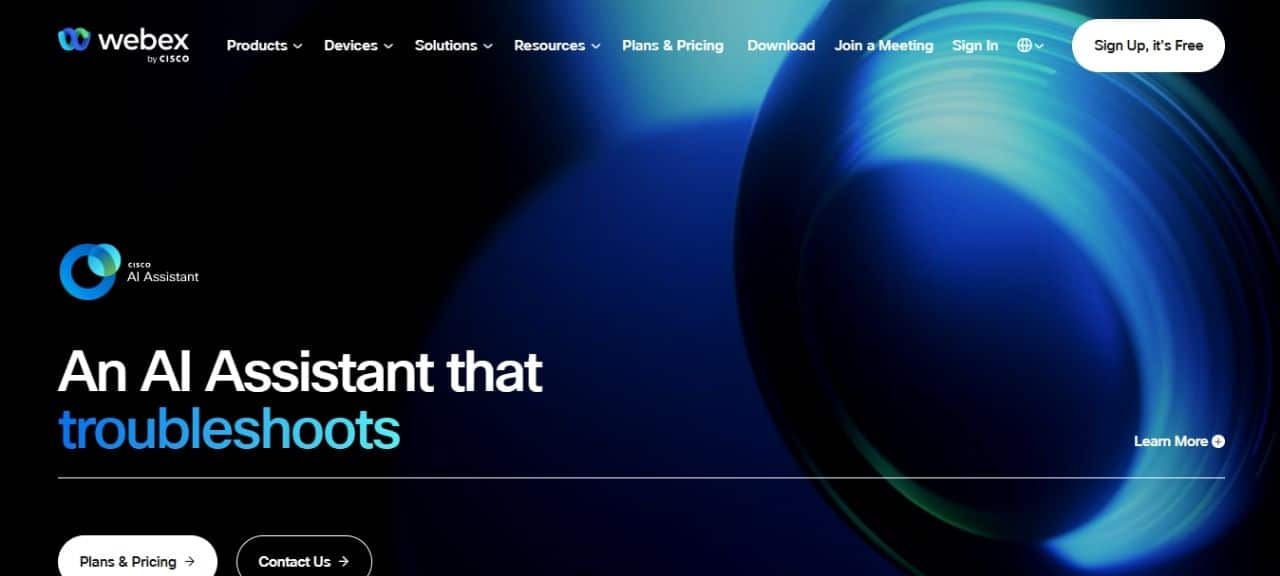
It delivers good quality video conferencing with AI-powered features, end-to-end encryption, and seamless integrations for hybrid teams. It supports large-scale meetings, whiteboarding, and noise cancellation, making it a secure choice for business collaborations.
Pros
- High audio and video quality.
- Advanced AI tools.
Cons
- Have high pricing compared to others.
- Have connectivity issues on old devices.
5. JioMeet
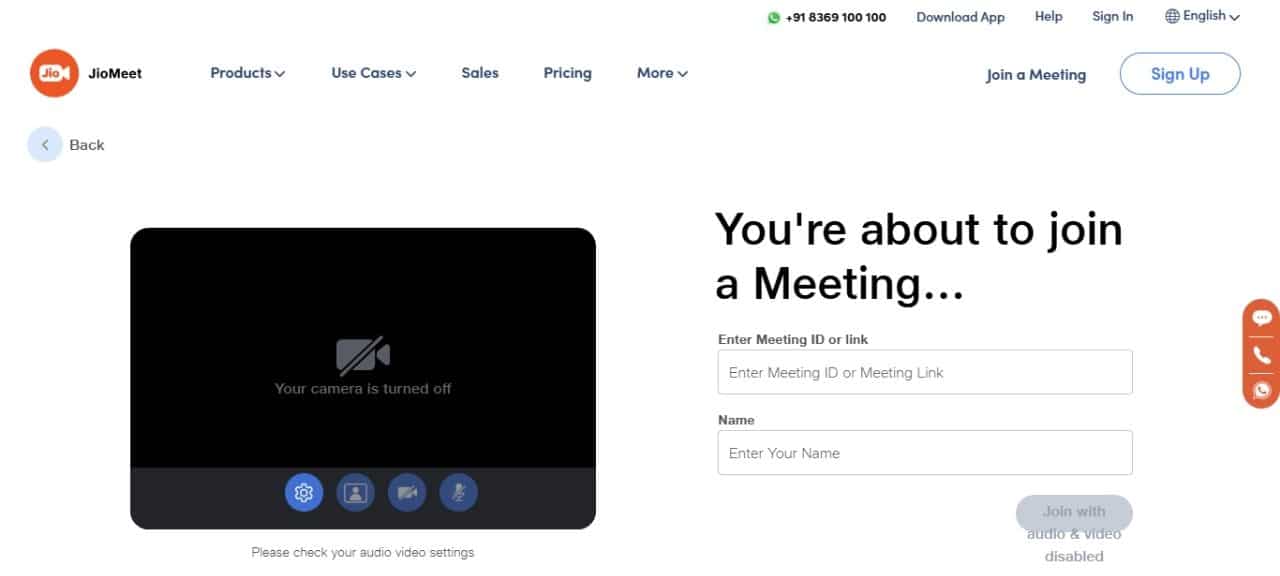
It is one of India’s top platforms that allows affordable and free unlimited video conferencing access to users. Jio will best suit you if you are using it for small organisations.
Pros
- Completely free with unlimited participants.
- Easy-to-use and also mobile-friendly.
Cons
- It has limited advanced features.
- Primarily has an India-focused platform.
6. Zoho Meeting
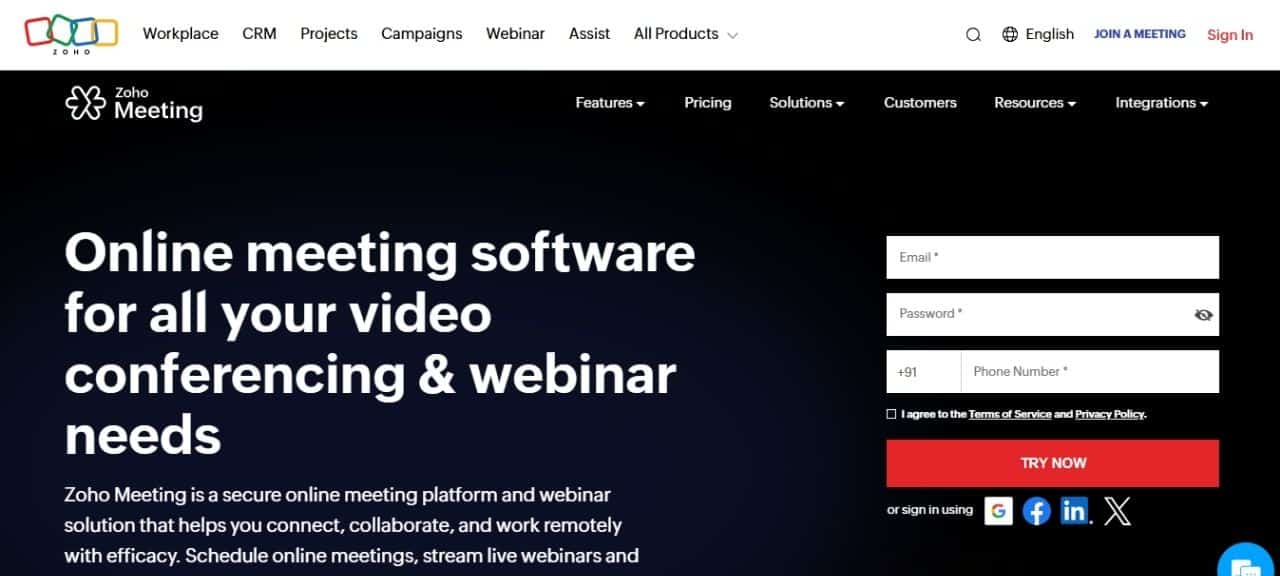
It integrates seamlessly with the Zoho ecosystem for CRM-driven sales calls, screen sharing, and webinar hosting. It is suitable if you want multi-device support.
Pros
- Have affordable pricing for the larger meetings.
- Screen sharing and whiteboard features are also supported.
Cons
- Slow customer support.
- The interface might look outdated.
7. RingCentral
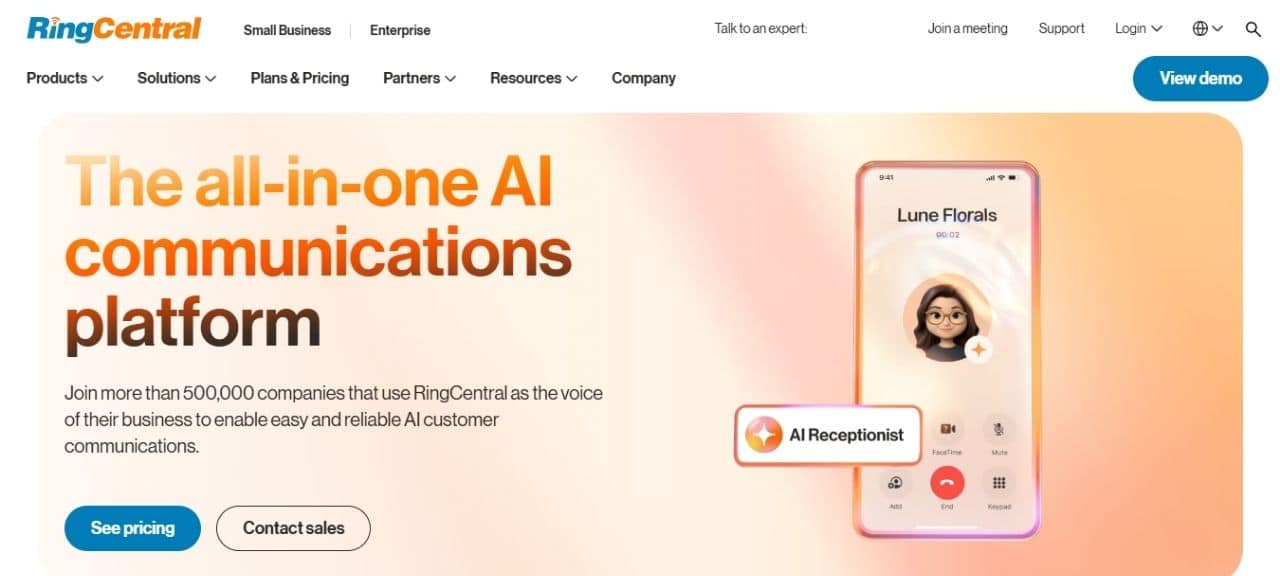
It offers voice, video, and chat options in a unified platform and is perfect for building a small business.
Pros
- Offers free plans with unlimited duration.
- It has advanced analytical and collaborative tools.
Cons
- High cost for having full feature access.
- Webinar hosting requires premium upgrades.
8. ClickMeeting
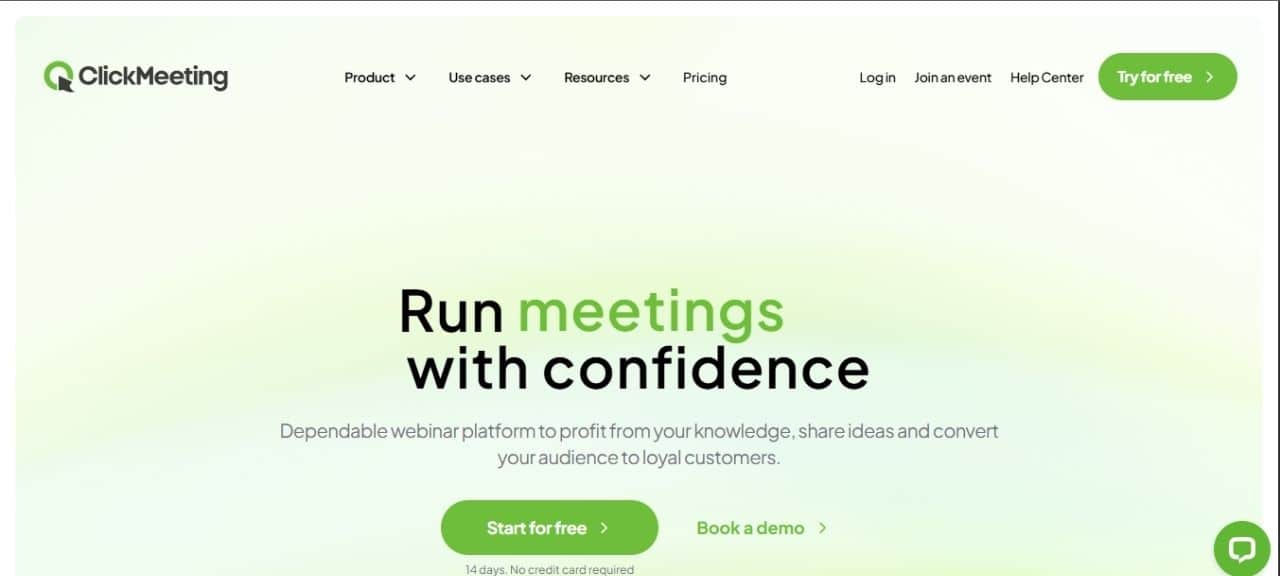
It specialises in webinar hosting tools like survey options and others. It supports large audiences affordably, making it a good option for marketers and educators.
Pros
- Good set of webinar tools.
- Custom branding and on-demand recording.
Cons
- Less effective for small calls.
- Need a complex setup.
Is it Safe to Have an Important Discussion on Video Conferencing?
Yes, it can be safe with platforms like Cisco Webex or Microsoft Teams, which provide end-to-end encryption (E2EE) and two-factor authentication. However, enable passwords, waiting rooms, and updates; avoid free tiers for sensitive talks due to weaker controls.
Case Study
Here is a case study of a business video conferencing solution from Versatech:
First Bank, a multibillion-dollar financial services firm with 100+ branches, 1,000+ employees, and 12 call centres, upgraded from legacy PBX systems in 2016 to RingCentral’s cloud solution.
Supporting VoIP, video conferencing, and unified communications, the rollout, assisted by RingCentral Professional Services, replaced hardware across locations seamlessly. Employees can now access chat, calls, and video from any device via PBX extensions.
Result: 30% savings on phone costs, enhanced customer service, and streamlined internal collaboration.
Quick Recap Table
| Platform | Tier | Key Feature/Limit |
| Zoom | Free | 100 participants, 40-minute limit, HD video |
| Google Meet | Free | 100 participants, 60-minute limit, captions |
| Microsoft Teams | Free | 100 participants, 60-minute limit, chat |
| Cisco Webex | Paid | AI tools, 1K+ participants, enterprise security |
| JioMeet | Free | 100 participants, unlimited free meetings, India-optimised |
| Zoho Meeting | Free | 100 participants, 60-minute limit, whiteboard |
| RingCentral | Free | 100 participants, 50-minute limit, transcription |
| ClickMeeting | Paid | Webinar focus, 1K+ attendees, analytics |
Conclusion
The best video conferencing software depends on your business size, security needs and uses of the tool. There are many options available, free and paid, both having different features and limits. Integrating features like screen sharing tools, webinar hosting, and multi-device support makes your virtual collaboration more productive, efficient, and impressive.
Related: Finding the Right CRM Software in Canada: Top 12 Providers
Related: Top 10 Best Free Video Editing Software for Windows

Active Noon Media is the largest local to national digital media website that represents the voice of the entire nation.